
See how it works
Two short walkthroughs: how your drivers get the app, and what your customers see. Each one plays by itself; tap a step to jump to it.
For your drivers
No GPS device needed: just the phone they already have, with or without installing the app.
9:41
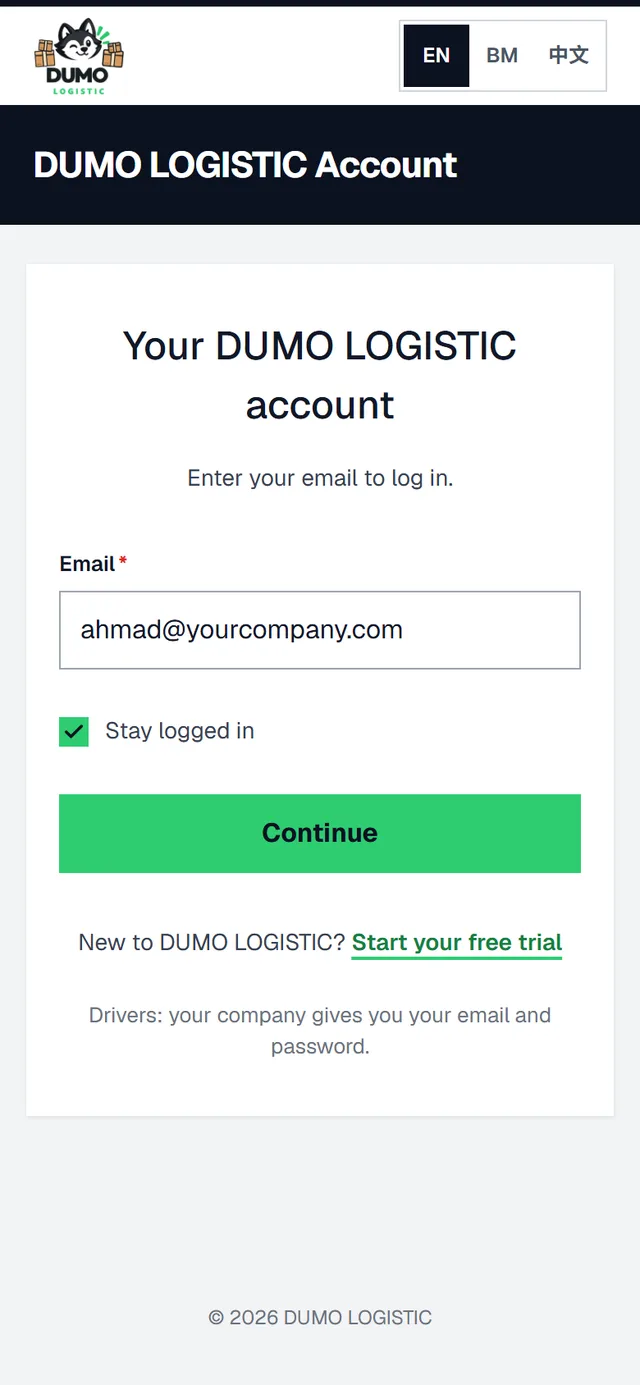
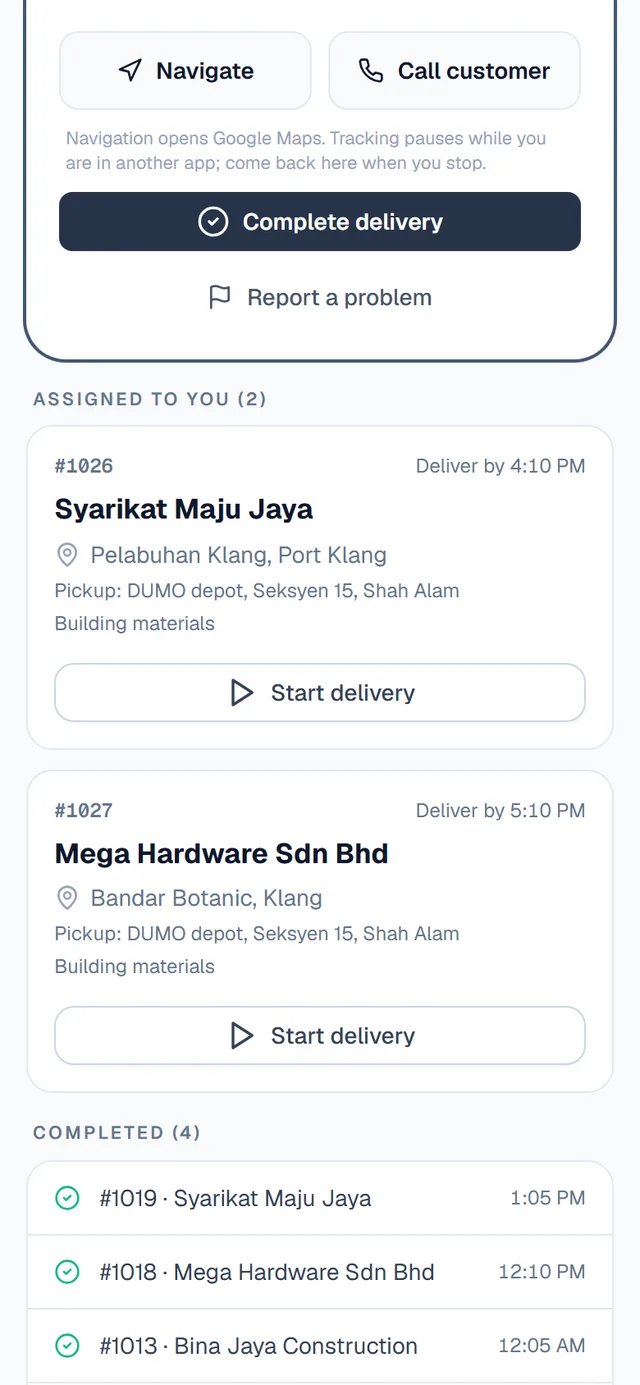
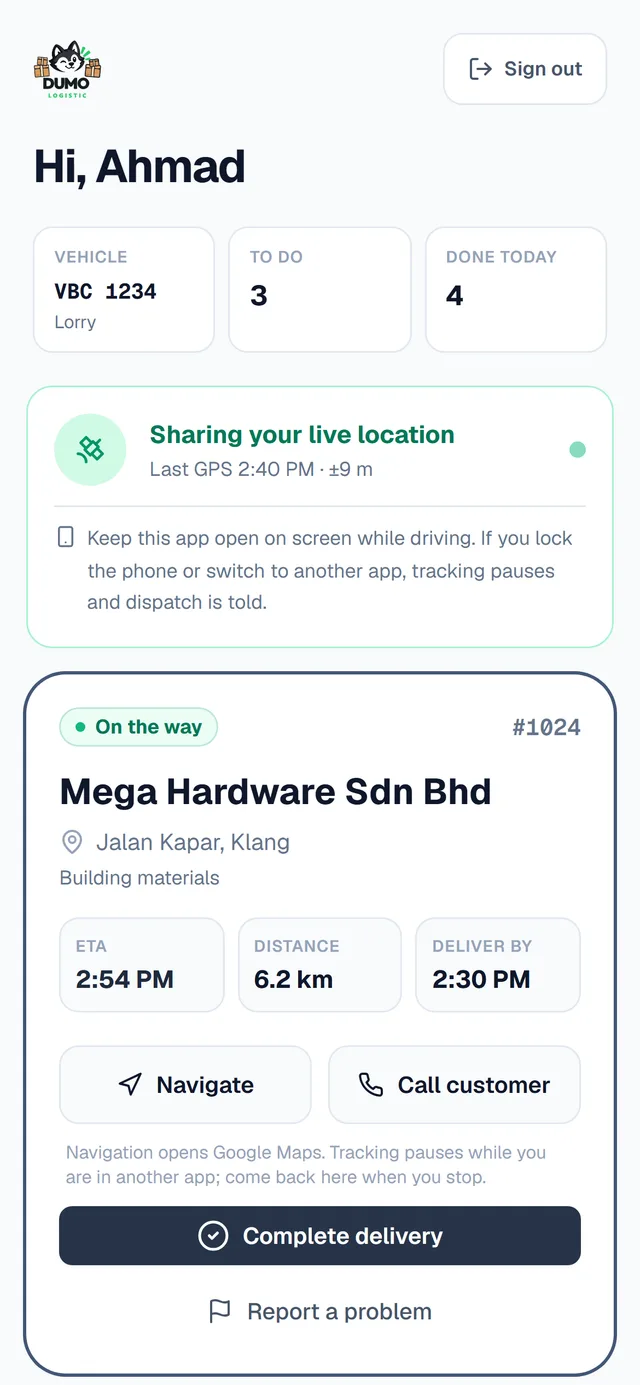
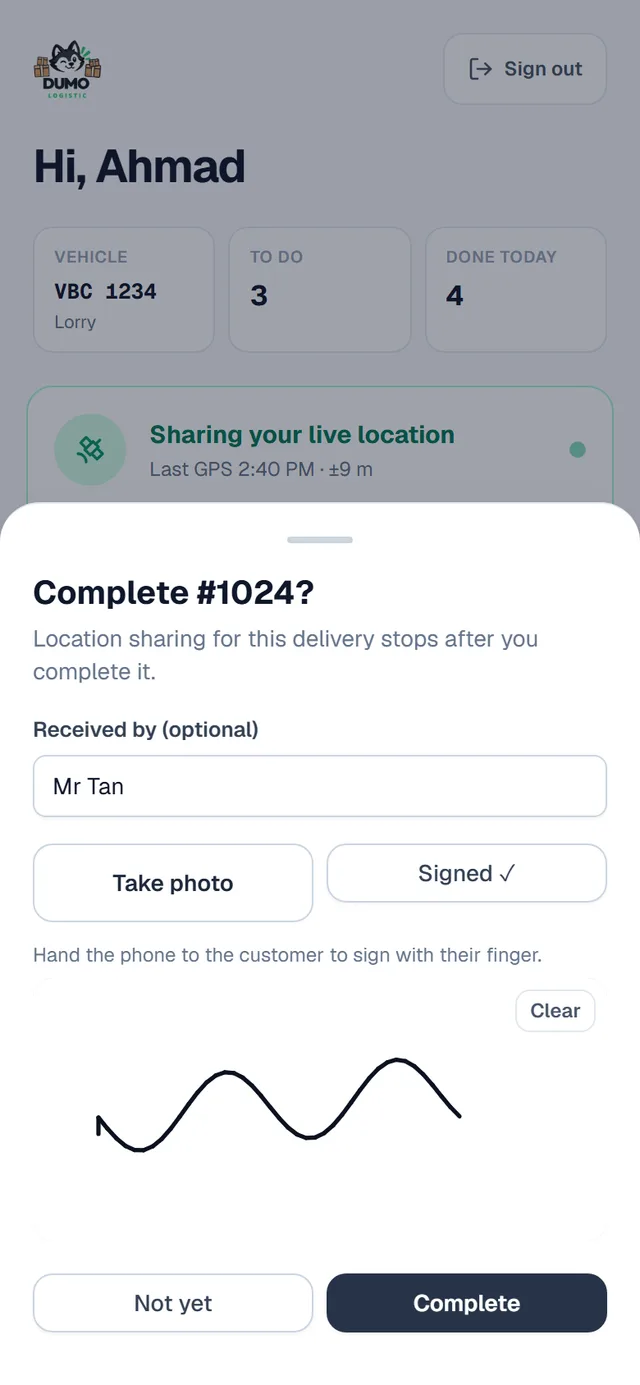
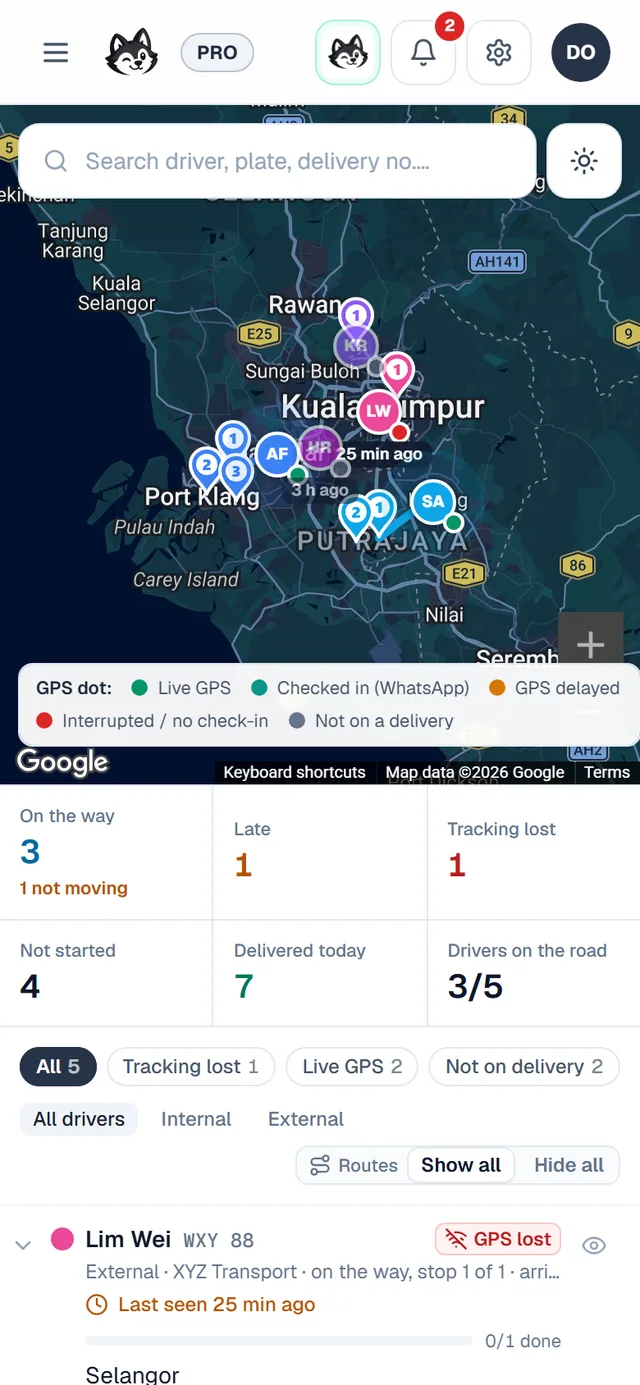
Step 1 of 5
Open the link and log in
Your office sends you the app link and your login on WhatsApp. It opens in the phone’s browser. Want an icon? Android: menu (⋮) then “Install app”. iPhone: Share, then “Add to Home Screen”.
Real screens of the app, with sample names.
For your customers
A private link: no app, no account.
9:41
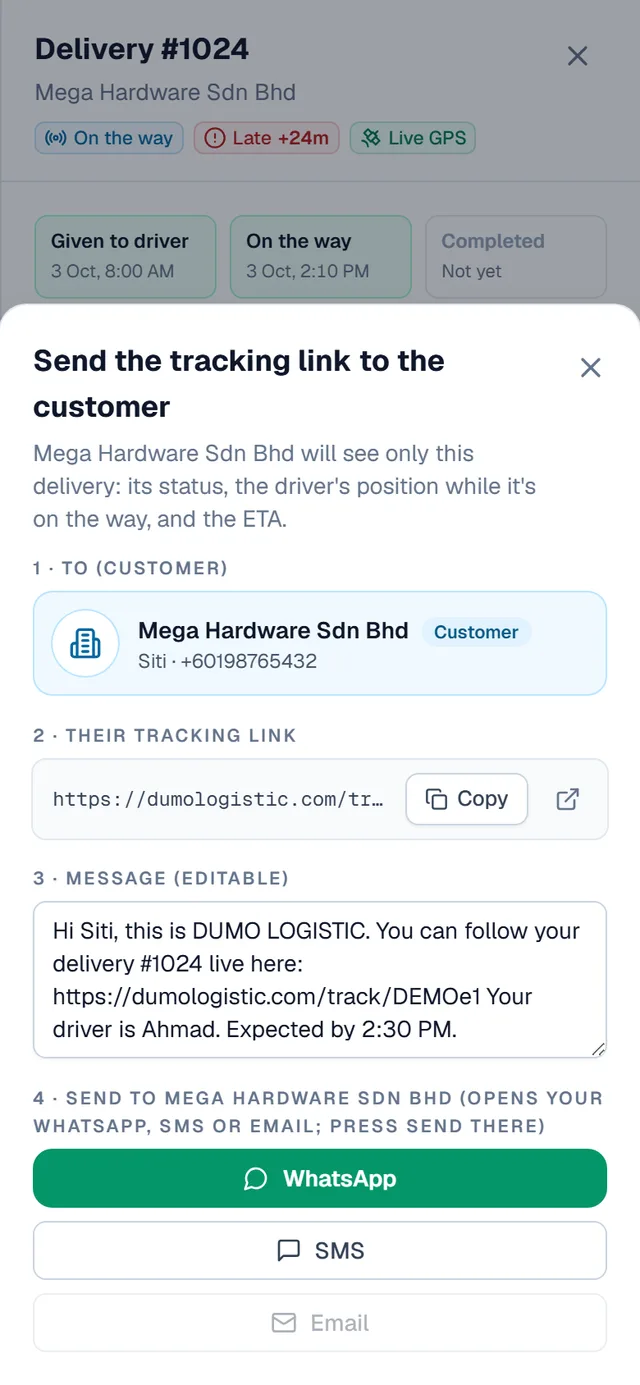
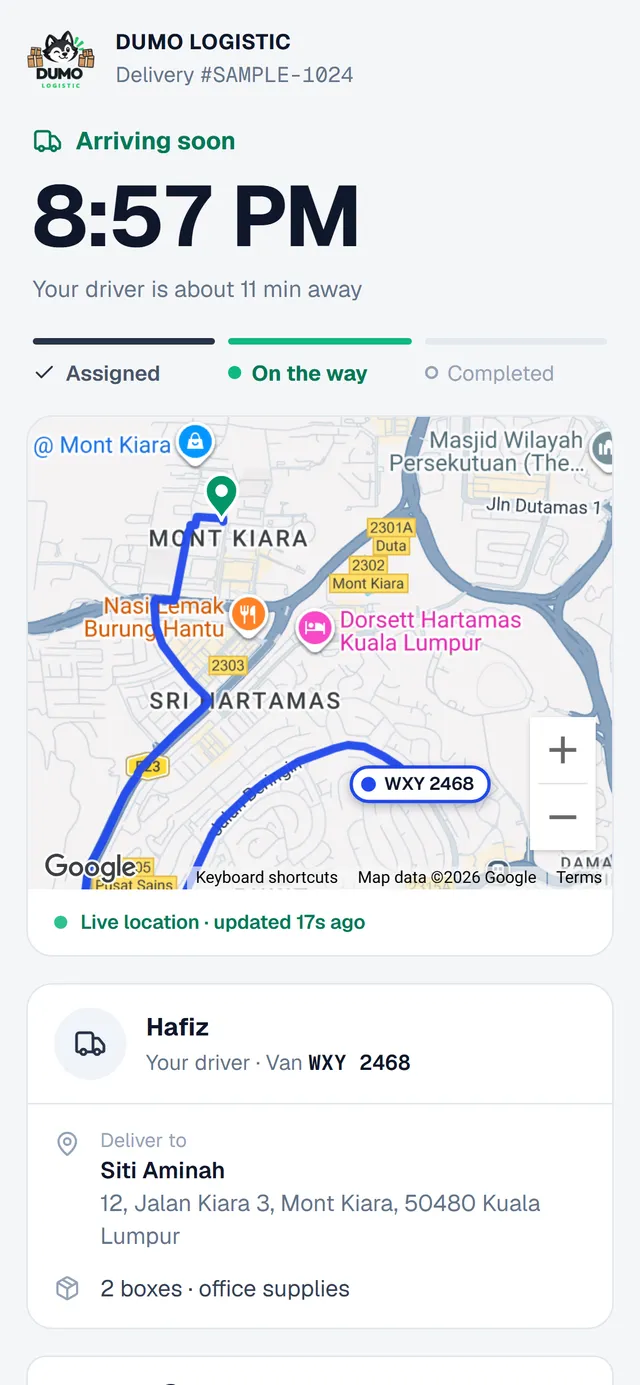
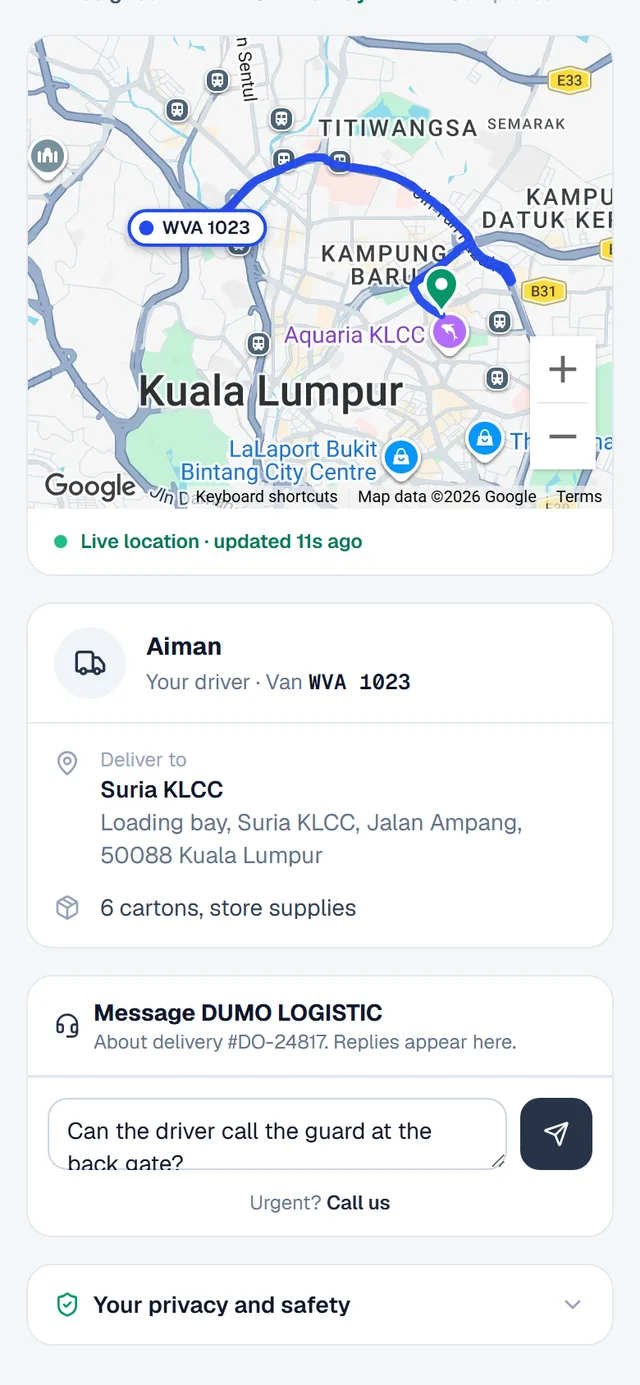
Step 1 of 3
The customer gets a tracking link
From the delivery, the office taps “Share tracking link to customer”. It opens WhatsApp with the message ready; they press Send.
Real screens of the app, with sample names.
Ready to try it?
Add a vehicle, a driver and a delivery, and watch it appear on your live map.
Go to my dashboard